Working with VassarStats: Website for Statistical Computation
VssaarStats is a web-based stats toolbox created by Richard Lowry of the Vassar College. The Vassar Stats website provides an intuitive point-and-click web interface for conducting statistical analyses. As long as there is a browser program on your computer or any mobile device, you can analyze data with Vassar Stats. However, this also means that you'll be unable to save data and any analysis results. In addition, there are no data manipulation functions, so you will need to make sure that the data are in the correct format.
Basics: (t-test example)
Basics
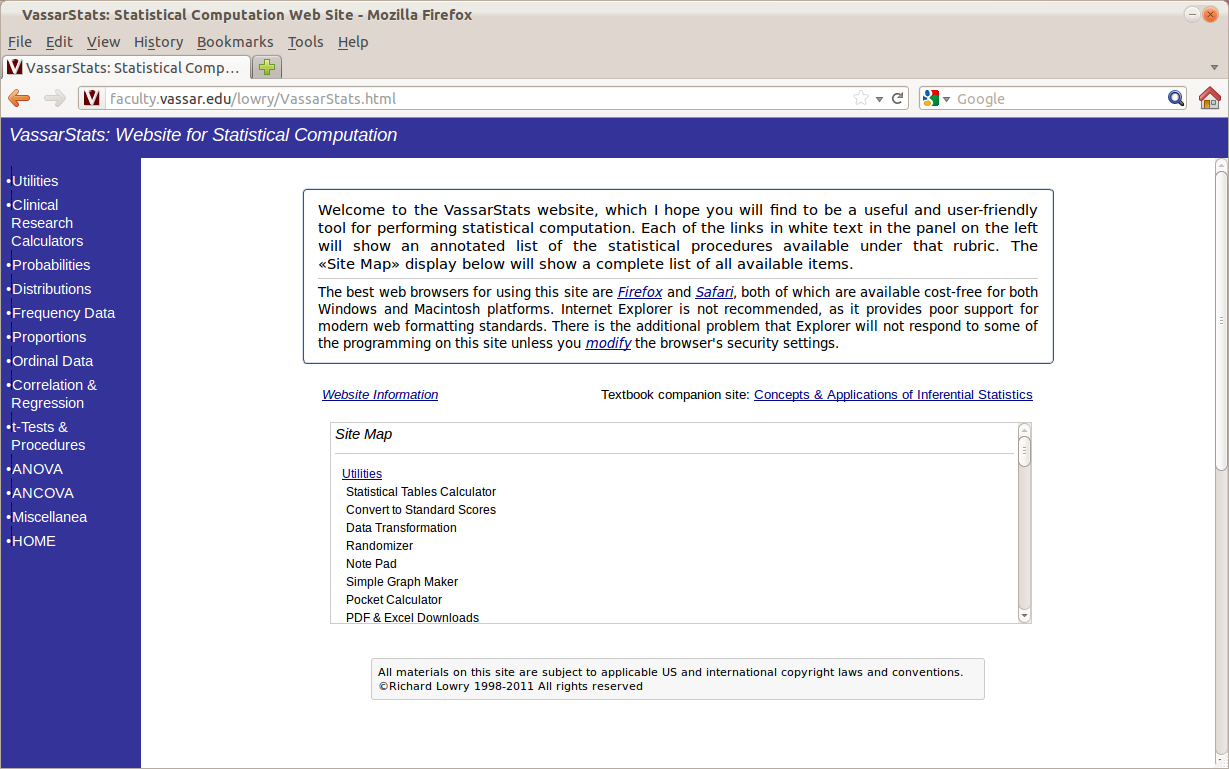
Open your browser and type in http://faculty.vassar.edu/lowry/VassarStats.html. Here's what you should be able to see:
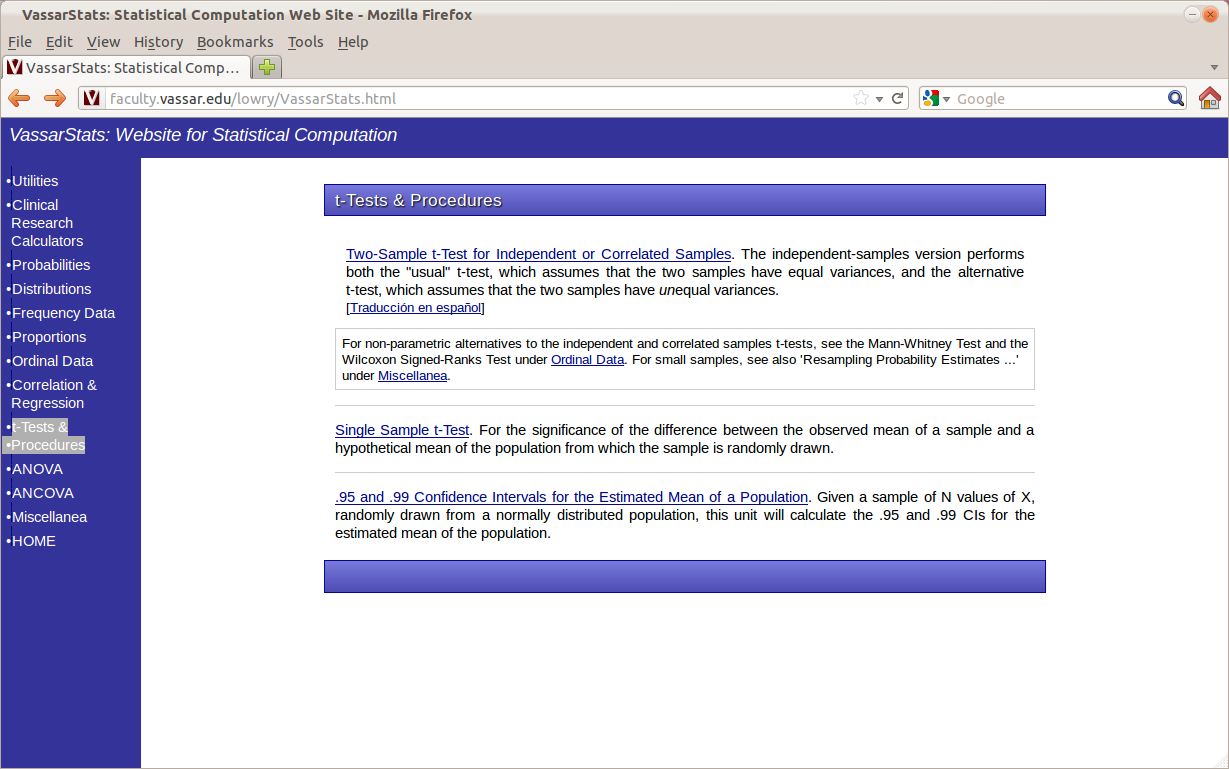
The left panel of the website lists the statistical tests that you can do with Vassar Stats. Click on "t-Tests & Procedures". Then choose the type of t-test you wish to conduct. For the our blood pressure example, we choose the first option "Two-Sample t-Test for Independent or Correlated Samples":